Dual Subtitles: How to Watch with Two Languages at Once
Quick Answer
Dual subtitles display two subtitle tracks at once, usually the language you are learning plus your own, and no major streaming platform supports them natively. The practical route is a desktop Chrome extension such as Language Reactor, Wordy, Migaku, or Lingopie. This guide covers setup on Netflix and YouTube, what the subtitle research actually says, the ladder from dual subtitles to none, and fixes for the most common problems.
Dual subtitles show two subtitle tracks on screen at the same time, usually the language you are learning on one line and your own language underneath. No major streaming platform offers this natively, so the fastest way to get dual subtitles is a desktop Chrome extension such as Language Reactor, Wordy, Migaku, or Lingopie's Netflix extension, which takes about a minute to set up.
That is the short answer. The longer one is more interesting: dual subtitles are one of the few learning tools with real research behind them, but the same research says they have an expiry date. This guide covers how to set them up on Netflix, YouTube, and other platforms, which extensions are worth installing, and when two lines of text should become one, then none.
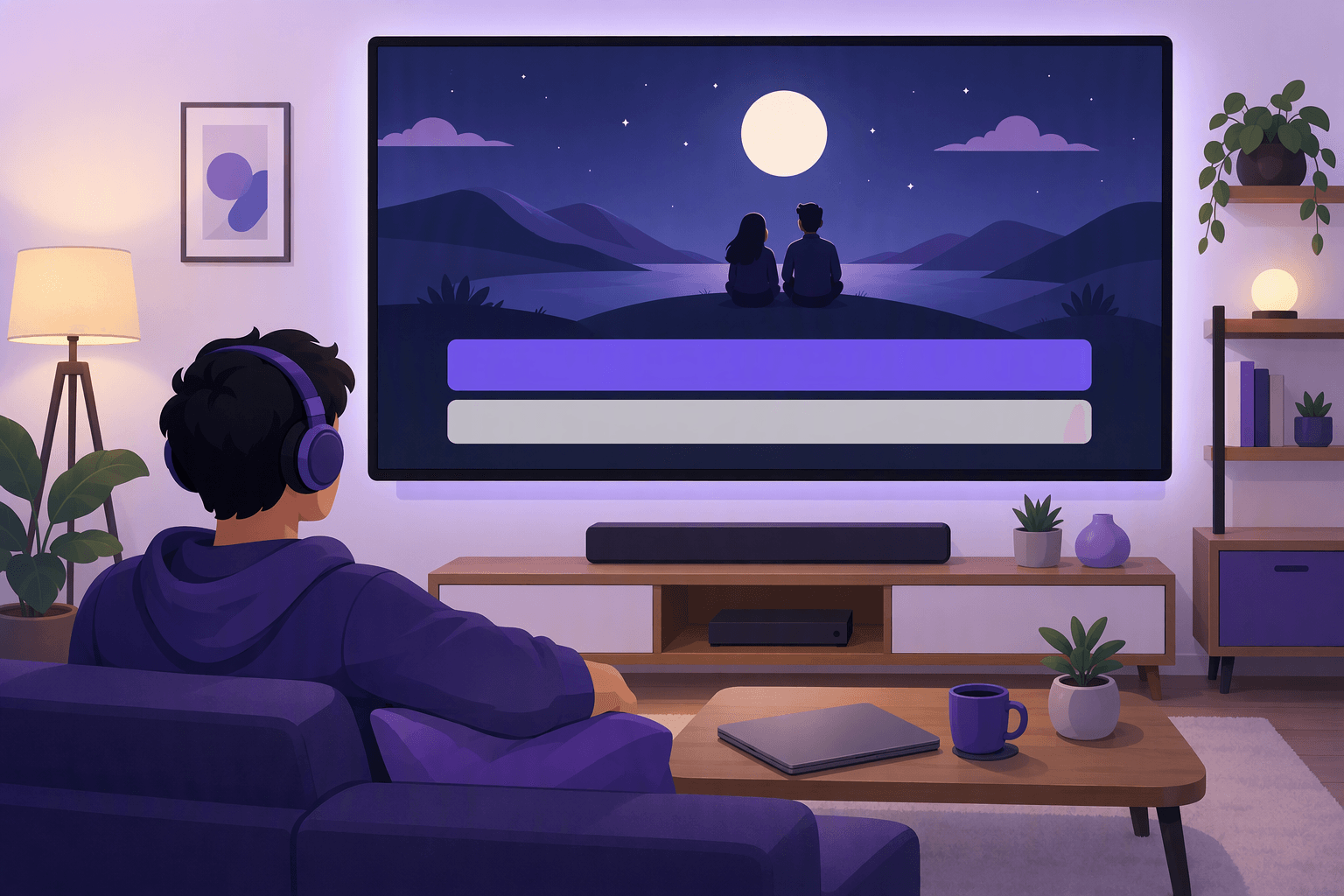
Why dual subtitles work for learners (and where they stop working)
Subtitled video has been studied for decades, mostly in European countries where subtitling is the default for foreign TV. Two findings matter here.
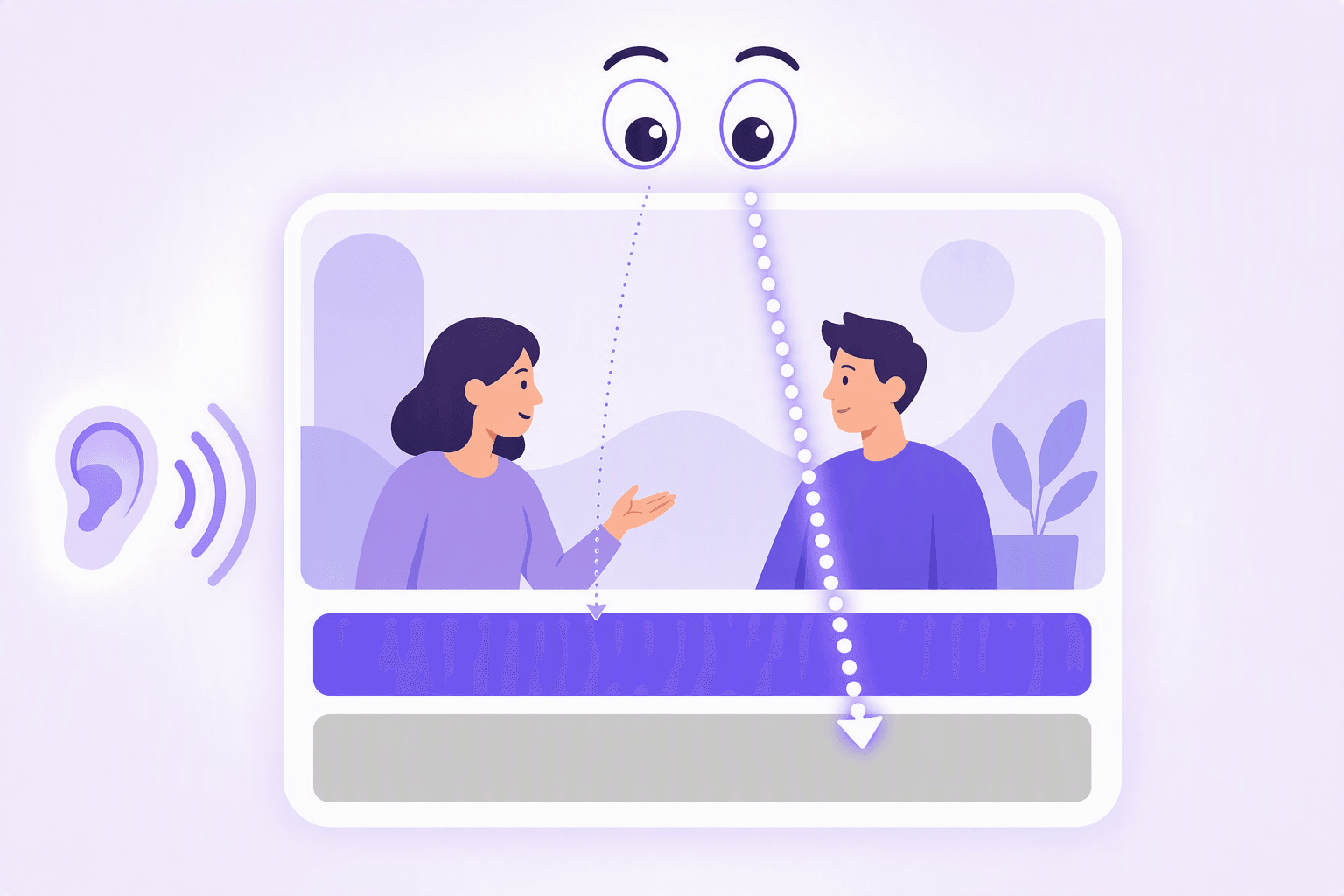
First, subtitle reading is automatic. Eye-tracking studies by Géry d'Ydewalle and colleagues showed that viewers read subtitles when they appear whether they need them or not, and his 1999 study with Van de Poel found children picked up vocabulary from subtitled foreign programs without any instruction (Journal of Psycholinguistic Research, 1999). Robert Vanderplank's classic 1988 study in ELT Journal reached a similar conclusion with adult learners and teletext captions: subtitles turn watching into usable input, provided the viewer is actually paying attention. More recently, Birulés-Muntané and Soto-Faraco found that watching a subtitled drama improved listening comprehension in under an hour of viewing (PLoS ONE, 2016).
Second, which language the subtitles are in changes what you learn. This is the part dual-subtitle fans tend to skip:
"Foreign subtitles help but native-language subtitles harm foreign speech perception." — Holger Mitterer & James M. McQueen, PLoS ONE (2009)
In their experiment, target-language subtitles helped listeners retune their ears to unfamiliar accents, while native-language subtitles actively interfered, because the brain leaned on the translation instead of decoding the audio.
Put together, the case for dual subtitles is honest but narrow. They solve the beginner's deadlock: target-language subtitles alone are unreadable at low levels, and native-language subtitles alone teach you almost nothing about the form of the language. Showing both lets you map sound to spelling to meaning in real time, which turns shows into comprehensible input earlier than anything else. The limit is attention: reading your own language is effortless, so given two lines, your eyes will drift to the easy one. Dual subtitles are a bridge. The whole point of the setup is to eventually need half of it, then none of it, which is what the subtitle ladder below is for.
How to get dual subtitles on Netflix
What Netflix supports natively: exactly one subtitle track at a time. The selection varies by title and region, typically five to seven languages per title, with Netflix originals carrying the widest choice of audio and subtitle tracks. There is no built-in setting for a second track, so the native route ends here.
The extension route, on a desktop browser:
- Install a dual-subtitle extension from the Chrome Web Store (Language Reactor is the standard free starting point; alternatives below).
- Open Netflix in Chrome and start an episode. The extension replaces or overlays the subtitle area.
- Pick your target language as the main track and your own language as the secondary track in the extension's settings.
- Learn the playback controls. The good extensions pause at the end of each subtitle line, replay a single line, and show a popup dictionary when you hover or click a word.
Two practical notes. Choose shows that actually have your target language available; Netflix originals are the safest bet because they ship with many subtitle tracks worldwide. And if you want something free and minimal rather than a full learning tool, Subadub is a small open-source extension that renders Netflix subtitles as selectable, copyable text in one language, which is useful for dictionary lookups even though it does not do dual display.
💡 Match the subtitles to the audio
Netflix subtitles are sometimes a translation of the dub script rather than a transcript of the original audio, so the text and the voices can disagree. For study, prefer watching in the show's original language, where subtitles track the dialogue most closely, and treat mismatches as normal rather than as a bug in your setup.

How to get dual subtitles on YouTube
YouTube's native player also shows one caption track at a time, but it gives you more raw material to work with than Netflix does.
Native tricks. Many videos carry captions in several languages, and the settings gear includes an auto-translate option that machine-translates any existing track into dozens of languages. This is genuinely useful with one warning: on videos that only have auto-generated captions, auto-translate stacks speech recognition errors and machine translation errors on top of each other. Fine for gist, unreliable for study.
Channels with built-in dual subtitles. Some channels hard-code two languages into the video itself, no setup needed on any device. The Easy Languages family (Easy German, Easy Spanish, Easy French, and others) is the best-known example: street interviews with permanent dual subtitles on every video, which also happen to work on mobile, where extensions do not.
Extensions. Language Reactor supports YouTube with the same dual-subtitle display and popup dictionary it uses on Netflix. Trancy is a newer alternative with dual subtitles on both YouTube and Netflix and a set of AI features on top. Both need captions to exist on the video, so they work best on captioned content rather than on auto-generated tracks.
Dual subtitles on Prime Video, Disney+, and other platforms
The pattern repeats everywhere: Prime Video and Disney+ each display a single subtitle track natively, with a per-title language list that is usually shorter than Netflix's. Extension support is where things get patchy. These players change frequently, and every change can break an overlay, so support for platforms beyond Netflix and YouTube tends to appear, break, and return depending on the extension. Migaku has historically supported the widest range of sites, and Trancy lists Prime Video and Disney+ among its targets. Before subscribing to any paid tool for a specific platform, check its current compatibility list that week, not a review from last year.
For anime learners, Crunchyroll also serves one subtitle track at a time, and the same extension caveats apply.
Best Chrome extensions for language learning
There are four tools worth knowing about, and they solve different problems. All prices are as of 2026 and worth re-checking.
| Extension | Price | Works with | Best for |
|---|---|---|---|
| Language Reactor | Free core, paid Pro | Netflix, YouTube | Free dual subtitles with a popup dictionary |
| Wordy | Free tier with daily limit, paid plans | Streaming video in the browser, plus iOS/Android apps | Beginners who want clips, tap-to-translate, and built-in review across devices |
| Migaku | Paid subscription | Netflix, YouTube, and other sites | Advanced learners who sentence-mine into Anki |
| Lingopie | Paid subscription | Its own catalog, plus a Netflix extension | Full-episode immersion with clickable dual subtitles |
Language Reactor is where most people should start. It is free for the core features: dual subtitles on Netflix and YouTube, hover dictionary, line-by-line playback, and saved phrases, with a Pro tier for extras. It began life as "Language Learning with Netflix" and remains the reference implementation of the dual-subtitle idea.
Wordy takes a different route to the same goal. The extension makes browser video subtitles interactive, so you tap any word for an instant translation instead of reading a permanent second line, and every saved word keeps the scene it came from. Its spaced repetition replays those clips, and the same account syncs with the iOS and Android apps with a library of over 15,000 curated movie and TV clips, which covers the mobile gap that overlay extensions cannot. It is the better fit if you want a system rather than a subtitle display.
Migaku is the power tool. It is a paid subscription aimed at serious immersion learners: dual-subtitle display, one-click flashcard creation from any line, Anki export, and Japanese-specific extras like furigana and pitch accent. The setup is more involved, and it rewards learners who already know what sentence mining is. Our Wordy vs Migaku comparison covers the tradeoff in detail.
Lingopie is a streaming service first and an extension second: a catalog of foreign-language shows with clickable dual subtitles, plus a Netflix extension included in the subscription. It suits learners who want a lean-back, full-episode experience; our Lingopie review has the full breakdown.
For the wider landscape beyond extensions, see our guide to the best language learning apps that work with Netflix.
The subtitle ladder: from two languages to none
Dual subtitles earn their keep only if you climb off them. The ladder has three rungs, and the timing depends on your level in a specific show, not on the calendar.
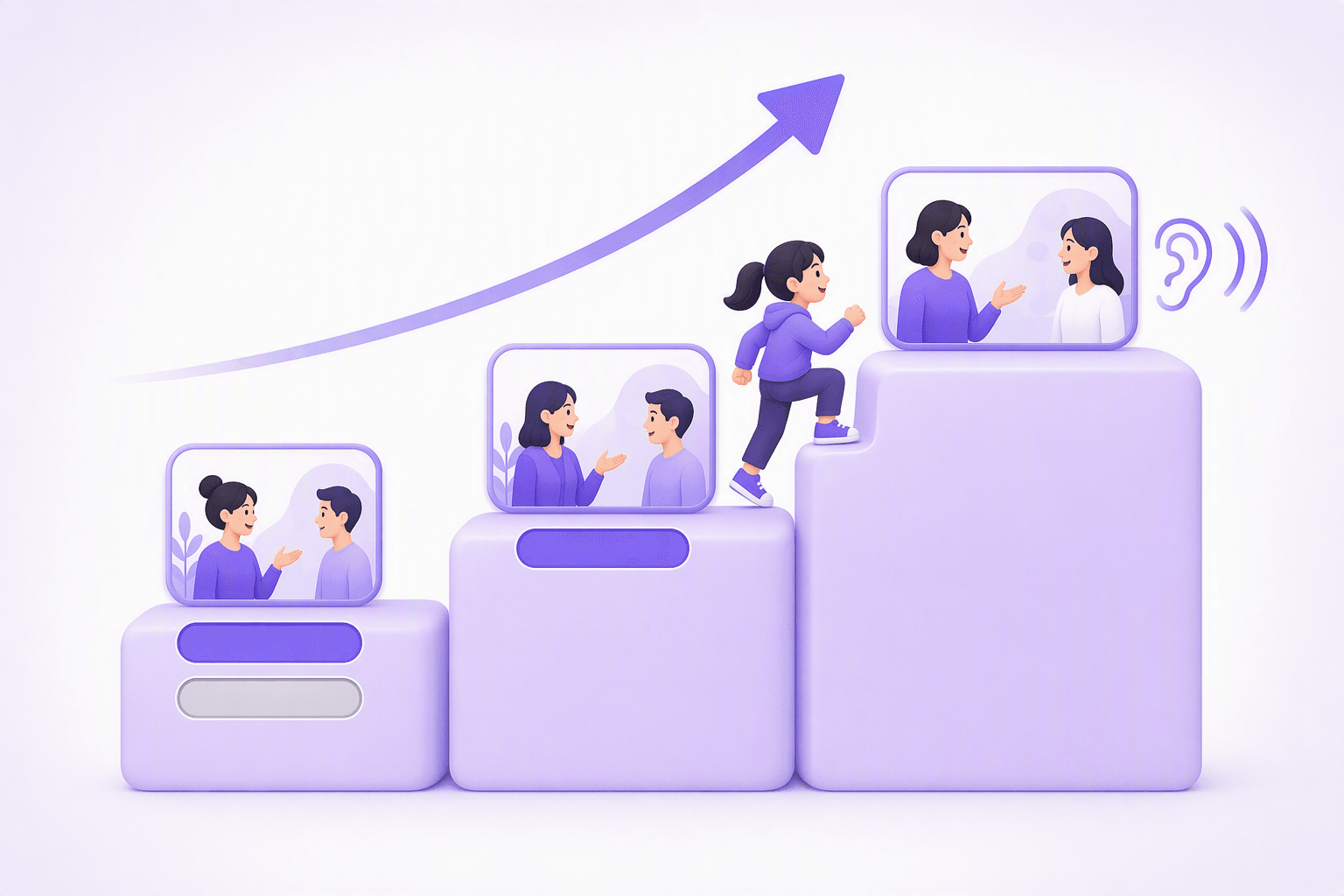
Rung 1 — dual subtitles (roughly A1 to A2). Both tracks on. Discipline matters here: listen first, glance at the target-language line to check what you heard, and use your own language's line as a rescue rope, not as the main text. Rewatching a scene with this setup is worth more than pushing forward, which is the core of learning a language with movies.
Rung 2 — target-language subtitles only (roughly A2 to B2). Drop your native line as soon as you can follow the plot without it, and expect that to feel early. This is the rung the research favors most: you still have a text safety net, but it is now in the language you are training, so every episode doubles as reading practice. Vocabulary coverage research suggests why the net still helps: Webb and Rodgers found that following movie dialogue comfortably takes roughly the 3,000 most frequent word families (Applied Linguistics, 2009), and subtitles let you catch words your ear is not ready for.
Rung 3 — no subtitles (B2 and up). Start with rewatches of episodes you know, then familiar genres, then new content. Most learners keep target-language subtitles for new or difficult material long into C1, which is fine; the failure mode is never testing yourself without them.
Move per show, not globally: you might be on rung 3 for a sitcom you have seen twice and rung 1 for a period drama. The one-way rule is to revisit the decision every few weeks, because staying one rung too low is the most common way this method quietly stops working.
Troubleshooting dual subtitles
Subtitles out of sync or not appearing. The usual cause is a streaming player update that broke the extension overlay. Refresh the tab, check the Chrome Web Store for an extension update, and toggle the platform's own subtitles off and on. If the extension broke this week, it is usually fixed within days; the developers deal with player changes constantly.
Your language pair is missing. Subtitle tracks are licensed per title and per region, so a show may simply not carry your combination. Netflix originals have the widest track lists, and the extension can only display tracks that exist. Some extensions offer machine translation as a fallback second line; usable, but treat it as approximate.
Two extensions fighting. Running two subtitle extensions on the same site produces overlapping or missing text. Keep exactly one enabled per platform and disable the rest in the extensions menu.
Everything works except the video is black. DRM plus hardware acceleration occasionally clashes with overlays on some machines. Toggling hardware acceleration in the browser settings usually resolves it.
Mobile. Extensions do not run inside the mobile apps, and that is unlikely to change. On phones, use content with burned-in dual subtitles or a dedicated app; the desktop browser remains the home of true dual subtitles.
Dual subtitles are the rare tool that is both genuinely research-backed and genuinely temporary. Set them up in the next ten minutes, use them deliberately, and plan for the day you switch the second line off, because that day, not the install, is the sign the method worked.
Frequently Asked Questions
Can you get two subtitles at once on Netflix?
Are dual subtitles good for learning?
How do I get dual subtitles on YouTube?
When should I stop using English subtitles?
Do dual subtitle extensions work on mobile?
Sources & References
- Vanderplank, R., 'The value of teletext sub-titles in language learning', ELT Journal, 1988
- d'Ydewalle, G. & Van de Poel, M., 'Incidental Foreign-Language Acquisition by Children Watching Subtitled Television Programs', Journal of Psycholinguistic Research, 1999
- Mitterer, H. & McQueen, J.M., 'Foreign Subtitles Help but Native-Language Subtitles Harm Foreign Speech Perception', PLoS ONE, 2009
- Birulés-Muntané, J. & Soto-Faraco, S., 'Watching Subtitled Films Can Help Learning Foreign Languages', PLoS ONE, 2016
- Webb, S. & Rodgers, M.P.H., 'The Lexical Coverage of Movies', Applied Linguistics, 2009
Start learning with Wordy
Watch real movie clips and build your vocabulary as you go. Free to download.