Best Language Learning Apps That Work with Netflix (2026)
Quick Answer
Netflix has become a major language learning resource thanks to its broad multilingual catalog, but the platform on its own only offers basic single-language subtitles. The right companion apps and extensions turn Netflix into a vocabulary lab with click-to-translate captions, sentence saving, and spaced repetition review. This 2026 list ranks the eight best Netflix-compatible language learning tools, plus one app that delivers the same method with its own curated library, no Netflix subscription required.
The best language learning apps that work with Netflix in 2026 are Language Reactor and Migaku for free or low-cost extensions that add dual subtitles, click-to-translate, and sentence mining to anything in your Netflix queue. If you want the same scene-based method without needing a Netflix subscription or hunting for the right shows, Wordy ships with a curated library of 15,000+ movie and TV clips and the vocab system already built in.
Netflix has more than 270 million paid subscribers worldwide and has expanded its non-English catalog dramatically since 2020, with Spanish, Korean, Japanese, French, and German content now leading global watch hours in many weeks. That makes it the single largest source of free, professionally produced foreign-language audio most learners ever encounter, but the player itself only ships with single-language subtitles. The tools below close that gap.

If you want broader app comparisons that go beyond Netflix, see our best language learning apps overview, and for a beginner-app perspective compare with the Duolingo review.
Does Learning Languages with Netflix Actually Work?
Yes, but with one important condition. Watching a show in your target language with native subtitles is roughly equivalent to passive background noise. Watching the same show with target-language subtitles, the ability to pause and translate any word, and a system to review what you saved is real study. The difference is the tooling around the video, not the video itself.
The strongest argument for video-based learning comes from second-language acquisition research. Stephen Krashen's input hypothesis argues that learners acquire language primarily by understanding messages that are slightly above their current level (Krashen, 1985). Netflix scenes, with their visual context, repeated phrases, and emotional stakes, are an unusually rich source of that kind of input.
"We acquire language in only one way: when we understand messages. We call this comprehensible input."
Stephen Krashen, The Input Hypothesis (1985)
The catch is that Krashen's framework still assumes the input is at least mostly understandable. Watching a Korean drama at full speed with no subtitles when you are an A1 learner is not comprehensible input, it is wallpaper. The tools in this guide exist to push raw Netflix audio into the comprehensible zone for your current level.
The other piece research consistently emphasizes is output. Paul Nation's four-strand framework for language courses, widely cited in applied linguistics, balances meaning-focused input, meaning-focused output, language-focused learning, and fluency development. Netflix plus an extension covers two of those strands well, but you still need to speak.
Two Approaches: Curated Apps vs Netflix-Compatible Extensions
Before the ranked list, it helps to understand that "Netflix language learning" splits into two different products.
The first approach is a Netflix-compatible extension. You keep your Netflix subscription, install a Chrome extension, and the extension overlays dual subtitles, click translation, and saving features on top of the Netflix player. Language Reactor, Migaku, Toucan, and Subadub all sit here. The advantage is you study with the content you already love. The disadvantage is the work of finding shows at your level, plus the Netflix bill.
The second approach is a curated video learning app. The app provides its own catalog of clips, scenes, or shows, with the interactive captions and vocab review system built in. Wordy, Lingopie, and FluentU sit here. The advantage is zero setup: the content is pre-graded and the vocab system is integrated. The disadvantage is you are using a smaller library and paying for it.
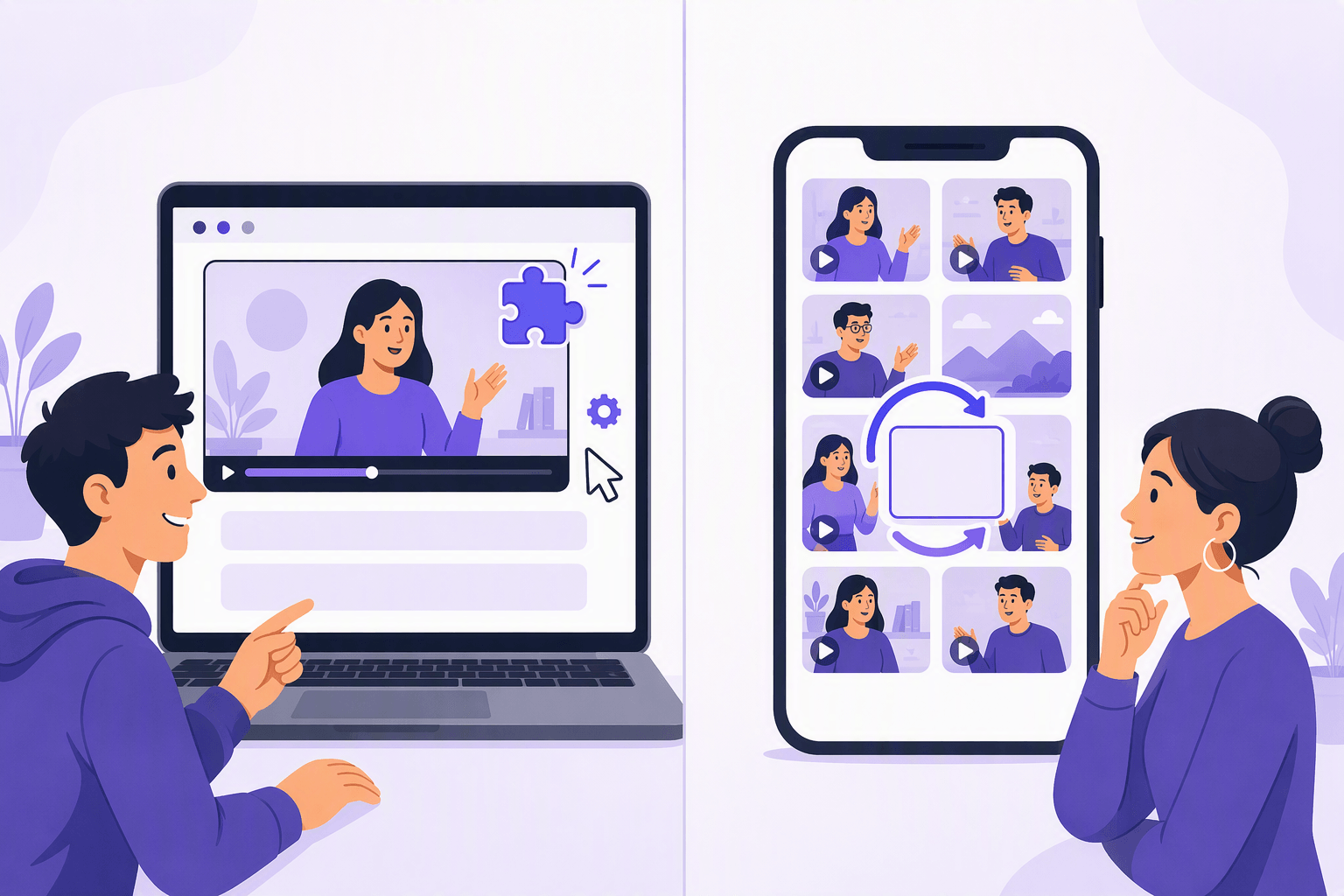
Most committed learners end up with one of each. A curated app for daily practice, and a Netflix extension for binge sessions in your target language.
8 Best Netflix Language Learning Tools in 2026
1. Wordy: Same Method, Curated Library, No Netflix Needed
If you are here because you want the Netflix-style "watch a scene, learn the words" experience, Wordy is the cleanest way to get it without needing a Netflix subscription or doing the work of finding the right shows. Launched in Budapest in 2024 and covered by TechCrunch in September of that year, Wordy is built around exactly the same method as a Language Reactor session on Netflix, just with the friction removed.
The flow is simple. You pick a target language (20+ supported, including Spanish, French, Italian, German, Japanese, Korean, Portuguese, Chinese, Arabic, Hindi, and more), and the app surfaces curated 30 to 90 second scenes from real movies and TV. Tap any word in the subtitles and you get an instant translation plus the saved item tied to that exact scene. The spaced repetition system then replays those scenes when it is time to review, so the cue is the original moment of comprehension, not a stripped-down flashcard. Speech recognition prompts you to repeat lines from the clip.
The library currently sits at over 15,000 curated clips, which removes the single biggest weakness of Netflix-based study: the time spent finding shows that are actually at your level and rich enough in target vocabulary. Wordy has more than 500,000 users with average ratings of 4.7 to 4.8 stars across 13,000+ reviews (Wordy, 2026). It runs on iOS, Android, Chrome extension, and web, with a free tier, a 7-day trial of premium, and monthly, annual, or lifetime plans.
Method: Scene-first immersion, click-to-translate captions, spaced repetition tied to clips, speech recognition. Best for: Learners who want the Netflix approach without the Netflix bill, or who do not want to hunt for shows. Price: Free tier, then trial plus paid plans. Strength: The vocabulary system is the same one Language Reactor users build manually, but it is already built. No setup, no Netflix subscription. Weakness: Smaller catalog than Netflix's full library, although the catalog is curated specifically for learning, which is usually a net positive. Verdict: The best pick if you want the Netflix experience without needing Netflix. Start at wordy.info.
2. Language Reactor (Free Chrome Extension)
Language Reactor is the default tool for Netflix-based study in 2026. The free Chrome extension overlays dual subtitles on Netflix and YouTube, lets you click any word for an instant translation, supports auto-pause at the end of each line, slowdown, and a personal saved-phrase list (Language Reactor, 2026). A paid Pro tier adds export, deeper dictionaries, and AI-generated phrase analysis.
Method: Dual subtitles, click translation, sentence saving, slowdown. Best for: Learners who already binge Netflix or YouTube in their target language. Price: Free, with optional Pro tier. Strength: Works with content you already love. Lightweight and fast. Weakness: You still need to find good shows at your level, and the saved phrases live in a list, not a full SRS replay system. Verdict: Free, install it today even if you also use a curated app.
3. Migaku
Migaku is a browser extension built for serious sentence miners. It captures full sentences from Netflix and YouTube, generates rich Anki flashcards with screenshot, audio, and word definitions, then syncs everything into your spaced repetition deck. It is especially popular with Japanese, Korean, and Chinese learners who have traditionally relied on Anki workflows.
Method: Sentence mining into Anki flashcards from real video. Best for: Intermediate learners who want full control of their SRS pipeline. Price: Paid subscription, with a trial. Strength: The most powerful workflow for turning native video into permanent vocabulary. Weakness: Steep learning curve. The setup itself can feel like a side hobby. Verdict: Best if you already use Anki and want video to power it.
4. Lingopie
Lingopie is a separate streaming service with its own catalog of TV shows in Spanish, French, Italian, German, Portuguese, Korean, Japanese, and several others. It is not Netflix, but it copies the format: click any subtitle word for a translation, save to a personal vocabulary list, review with built-in flashcards. The catalog is smaller than Netflix's, but every show is set up for learning by default.
Method: Native TV with interactive captions and vocab review. Best for: Learners who want a Netflix-style experience without configuring extensions. Price: Paid monthly or annual subscription. Strength: Zero setup, the captions just work. Weakness: Smaller catalog than Netflix, and you still pay a streaming-style fee. Verdict: A solid pick if you do not want to deal with extensions, although Wordy covers similar ground with shorter clips and a stronger SRS.
5. FluentU
FluentU has been around longer than most platforms on this list and uses authentic video, including TV clips, music videos, and news segments, with interactive subtitles and quizzes attached. It is not a Netflix extension. It is a separate platform with its own curated library and a structured lesson layer.
Method: Curated authentic video plus interactive captions and quizzes. Best for: Learners who want video plus more structured exercises around each clip. Price: Paid subscription with a trial. Strength: Strong quiz integration, large catalog of bite-sized clips. Weakness: The interface has aged and the catalog mixes lesson-quality clips with weaker material. Verdict: Useful as a supplement, less essential than it was five years ago.
6. Toucan (Free Browser Extension)
Toucan takes a different angle. Instead of dual subtitles, it sprinkles target-language words across the websites and Netflix pages you already read, gradually building passive vocabulary through repeated exposure. The free tier is generous and the friction is close to zero.
Method: Passive vocabulary injection during normal browsing. Best for: Absolute beginners or learners who want trickle exposure without a study session. Price: Free, with an optional premium tier. Strength: Effortless. You learn while doing other things. Weakness: Not enough density for real progress past A1. Verdict: A nice background tool, not a primary one.
7. Subadub (Free Chrome Extension)
Subadub is a small, focused free Chrome extension that exposes Netflix's hidden subtitle data so you can copy lines, download full subtitle files, and study offline. It does not translate or save automatically. It is a power tool for people who like to build their own workflows.
Method: Subtitle download and copy for offline study. Best for: Tinkerers who want subtitle text to feed into Anki, ChatGPT, or other tools. Price: Free. Strength: Frictionless access to Netflix subtitle data. Weakness: No translation, no SRS, no overlay. Pure raw text. Verdict: Pair with Language Reactor or a custom Anki workflow.
8. Lightweight Netflix Subtitle Helpers (Linguistic and similar)
A small ecosystem of free Chrome extensions like Linguistic, Mate Translate, and various dictionary popups add a "click any word to translate" layer to Netflix, browsers, and apps. They are smaller and less polished than Language Reactor, but they are free, they update independently, and several of them quietly do the job for people whose only need is fast hover translation.
Method: Click or hover to translate, no dual subtitles. Best for: Casual learners who only want occasional word lookups. Price: Free, with optional upgrades. Strength: Minimal, fast, no setup beyond installing. Weakness: Lacks the depth of Language Reactor or Migaku. Verdict: Fine for casual use, replace with Language Reactor once you get serious.
💡 The two-subtitle rule
When you watch on Netflix, set the audio to your target language and the subtitles to your target language as well, not your native language. Use the extension's translation popup only when you genuinely cannot guess a word. Native subtitles in your first language are great for entertainment, but they short-circuit listening practice because your eyes do the work.
How to Set Up a Netflix Immersion Stack
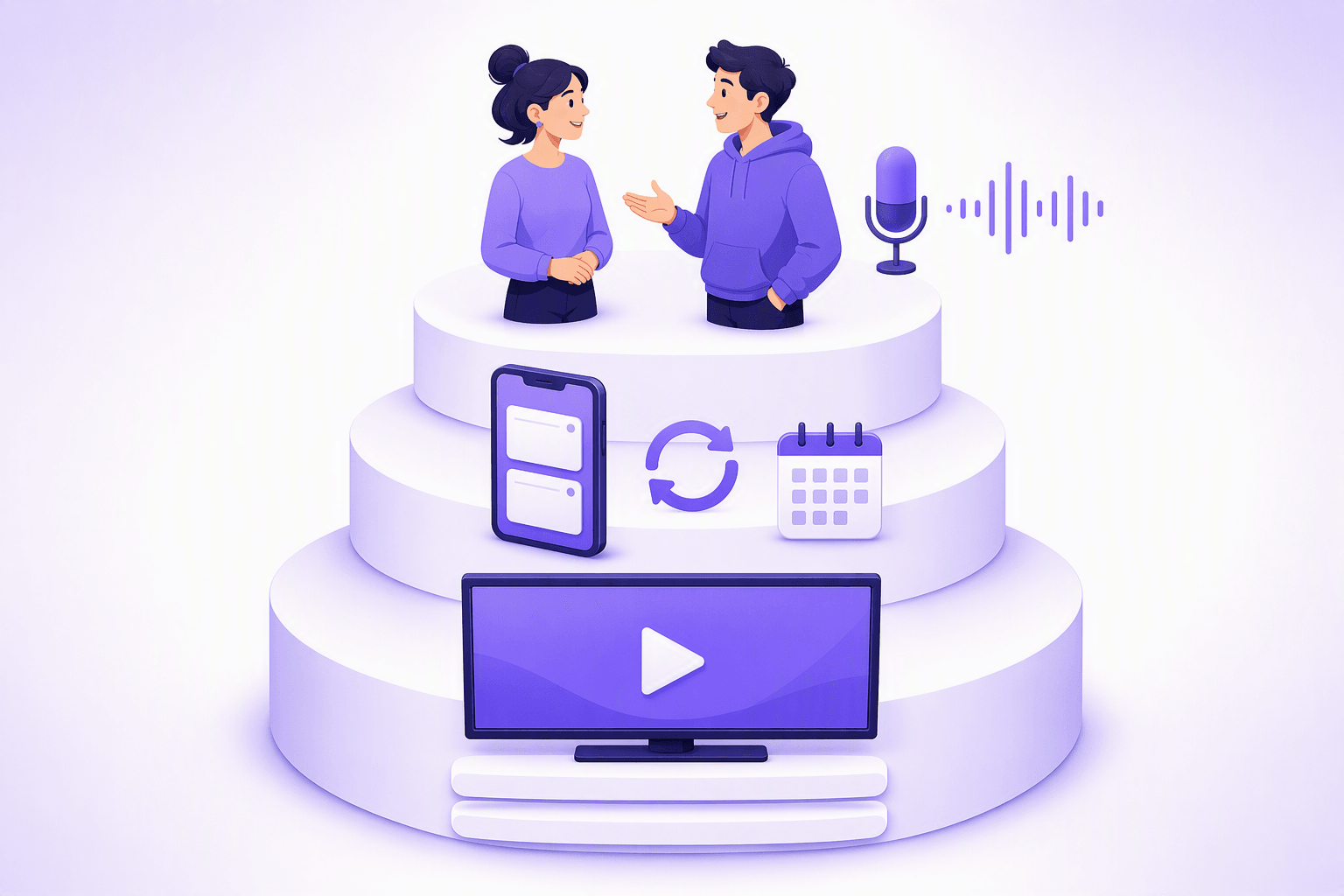
A practical 2026 stack looks like this. First, install Language Reactor for any Netflix or YouTube session in your target language. Set audio to target language, subtitles to target language, and only flip to dual subtitles when a line is genuinely opaque. Second, add a curated app for daily practice, because Netflix is too unpredictable to be your only input source. Wordy fits here cleanly, since the clips are pre-graded and the SRS handles review. Third, schedule speaking practice at least twice a week. A tutor, a language exchange, or even structured self-talk will do.
If you are learning a less-supported language, the order shifts. Drop Language Reactor down a slot, lean harder on the curated app, and use Netflix mainly for cultural exposure while your vocabulary base catches up. For language-specific show picks, see our guides to the best movies to learn Spanish, best anime to learn Japanese, and best Korean dramas to learn Korean.
🌍 Dubbed vs original audio
Netflix lets you switch any major release to a dubbed track in many languages. Dubbed audio is useful for getting hours of comprehensible input in your target language, but dubs are not the same as native shows. Lip sync constraints flatten rhythm, and translators sometimes neutralize slang. For listening practice, dubbed content is fine. For learning how natives actually speak, prioritize shows originally made in your target language.
Best Netflix Shows by Language
Quick picks that have held up through 2026.
Spanish: Money Heist (La Casa de Papel) for fast Madrid Spanish, Élite for teen slang, Narcos for Colombian Spanish.
Korean: Squid Game for dramatic register, Hometown Cha-Cha-Cha for slower everyday vocabulary, Crash Landing on You for cross-regional contrast.
Japanese: Alice in Borderland for modern Tokyo Japanese, Midnight Diner for slow, intimate dialogue, Terrace House for everyday casual speech.
French: Lupin for Parisian French, Call My Agent for fast-paced industry slang.
German: Dark is the standard recommendation because the dialogue is clean and the German dub of international shows is high quality.
Final Verdict
If you want the simplest answer in 2026: install Language Reactor for free, and if you want the same method without needing Netflix or having to find shows yourself, use Wordy. That combination gives you a free tool that works with content you already watch, plus a curated app that does the same job in a structured way with the scenes pre-selected.
Everything else on this list has a role, but those two cover most learners. Migaku is the right pick if you live in Anki. Lingopie is the right pick if you want a separate streaming service and prefer full episodes to short clips. Toucan and Subadub are nice add-ons. FluentU is a fine supplement.
The honest framing is that Netflix is a fantastic learning resource, and the apps that work with it have only gotten better. Wordy is not a replacement for Netflix, it is the same method delivered without the streaming subscription and without the work of finding the right episode of the right show at the right level. Use one, the other, or both, depending on whether you would rather binge what you already love or open an app where the homework is already done.
For more on the broader app landscape, see the best language learning apps guide. To benchmark a beginner-focused alternative, the Duolingo review covers what gamified apps do and do not deliver in 2026.
Frequently Asked Questions
What's the best free Netflix language learning extension?
Wordy vs Language Reactor?
Can you really learn from Netflix alone?
Best Netflix language learning for Korean?
Best Netflix language learning for Japanese?
Sources & References
- Krashen, S., The Input Hypothesis, Longman, 1985
- Ethnologue, 27th edition, 2024
- Wordy, official website (wordy.info), accessed 2026
- TechCrunch, 'Wordy's new app helps you learn vocab while watching movies & TV shows,' September 2024
- Language Reactor, official website (languagereactor.com), accessed 2026
Start learning with Wordy
Watch real movie clips and build your vocabulary as you go. Free to download.